To access the exclusive content and features offered by KnightTime+, you will need to subscribe or create an account. The process is straightforward and can be initiated by visiting the official KnightTime+ website at https://www.knighttimeplus.com/.
For New Users:
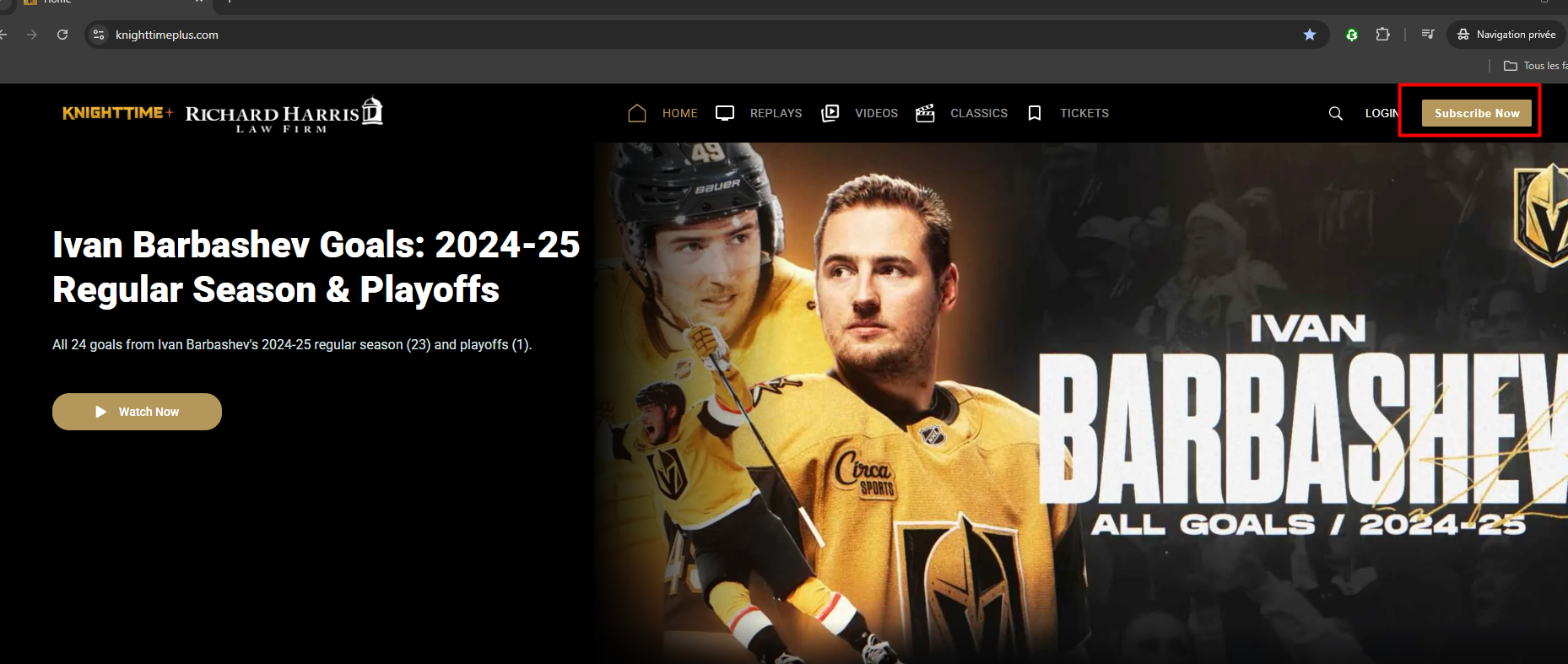
If you are a new user and do not yet have an account, please click on the "Subscribe Now" button prominently displayed on the homepage. You will then be guided through a series of simple steps to set up your new account and choose your preferred subscription plan.
For Existing Users:
If you already have an existing account with KnightTime+, simply select the "Login" option. You will then be prompted to enter your credentials to access your account.
Account Creation and Subscription Plan Selection:
Upon initiating the account creation process, you will be able to create an account via your preferred platform (e.g., email, social media login, etc.). Following this, you will need to select your desired subscription plan. The full season pass, offering comprehensive access to all available content for the entire season, is priced at $69.99. Other subscription tiers or options may also be available, so please review them carefully to choose the one that best suits your needs.
Location Confirmation:
As a final step in the subscription process, you will be required to confirm your location. This is an important step to ensure compliance with regional content licensing and distribution agreements. Please follow the on-screen instructions to verify your geographic location accurately.
Was this article helpful?
That’s Great!
Thank you for your feedback
Sorry! We couldn't be helpful
Thank you for your feedback
Feedback sent
We appreciate your effort and will try to fix the article